Getting Started with Spring for GraphQL - A Complete Guide
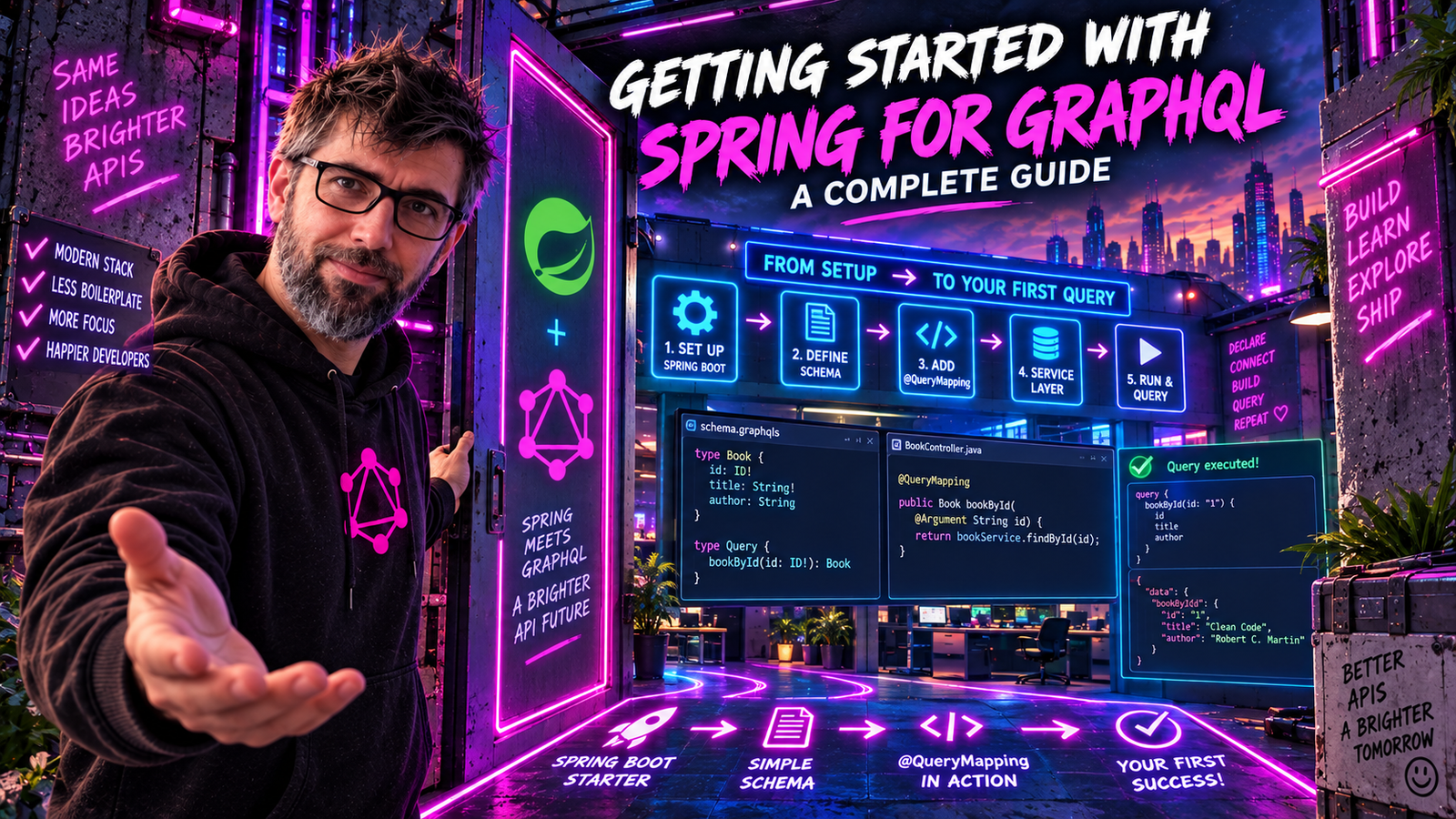
Spring for GraphQL is the official Spring project for building GraphQL applications. Let's build your first GraphQL API from scratch.
Why Spring for GraphQL?
If you're a Java developer, you've probably wondered how to bring GraphQL into your Spring ecosystem. While libraries like graphql-java have existed for years, Spring for GraphQL (released in 2022) provides first-class integration with Spring Boot, making GraphQL development feel native to the Spring way of doing things.
Key Benefits
- Annotation-driven development - Use familiar Spring patterns like
@Controllerand@Autowired - Automatic schema mapping - Spring maps your schema to Java types automatically
- Built-in testing support - Test utilities designed for GraphQL
- WebSocket subscriptions - Real-time data out of the box
- Security integration - Seamless Spring Security support
Setting Up Your Project
Let's create a new Spring Boot project with GraphQL support. You can use Spring Initializr or add dependencies manually.
Dependencies
Add these to your pom.xml:
<dependencies>
    <dependency>
        <groupId>org.springframework.boot</groupId>
        <artifactId>spring-boot-starter-graphql</artifactId>
    </dependency>
    <dependency>
        <groupId>org.springframework.boot</groupId>
        <artifactId>spring-boot-starter-web</artifactId>
    </dependency>
</dependencies>
Or for Gradle (build.gradle):
dependencies {
    implementation 'org.springframework.boot:spring-boot-starter-graphql'
    implementation 'org.springframework.boot:spring-boot-starter-web'
}
Enable GraphiQL (Development Tool)
GraphiQL is an in-browser IDE for exploring GraphQL APIs. Enable it in application.yml:
spring:
  graphql:
    graphiql:
      enabled: true
    schema:
      printer:
        enabled: true
Now you can access GraphiQL at http://localhost:8080/graphiql.
Creating Your First Schema
GraphQL is schema-first by nature. Create your schema file at src/main/resources/graphql/schema.graphqls:
type Query {
    books: [Book!]!
    bookById(id: ID!): Book
}

type Book {
    id: ID!
    title: String!
    author: Author!
    publishedYear: Int
    genre: String
}

type Author {
    id: ID!
    name: String!
    books: [Book!]!
}
This schema defines:
- A
Querytype with two entry points - A
Booktype with fields including a relationship toAuthor - An
Authortype with a back-reference to their books
Creating Java Domain Classes
Now let's create corresponding Java classes:
public record Book(
    String id,
    String title,
    String authorId,
    Integer publishedYear,
    String genre
) {}

public record Author(
    String id,
    String name
) {}
Note: We use authorId in the Java class but author in GraphQL. Spring GraphQL will resolve this through a DataFetcher.
Building the Controller
Here's where Spring for GraphQL shines. Create a controller using familiar Spring patterns:
@Controller
public class BookController {

    private final BookRepository bookRepository;
    private final AuthorRepository authorRepository;

    public BookController(BookRepository bookRepository,
                          AuthorRepository authorRepository) {
        this.bookRepository = bookRepository;
        this.authorRepository = authorRepository;
    }

    @QueryMapping
    public List<Book> books() {
        return bookRepository.findAll();
    }

    @QueryMapping
    public Book bookById(@Argument String id) {
        return bookRepository.findById(id).orElse(null);
    }

    @SchemaMapping(typeName = "Book", field = "author")
    public Author author(Book book) {
        return authorRepository.findById(book.authorId()).orElse(null);
    }

    @SchemaMapping(typeName = "Author", field = "books")
    public List<Book> booksByAuthor(Author author) {
        return bookRepository.findByAuthorId(author.id());
    }
}
Understanding the Annotations
| Annotation | Purpose |
|---|---|
@QueryMapping | Maps to fields in the Query type |
@MutationMapping | Maps to fields in the Mutation type |
@SchemaMapping | Maps to fields on any type |
@Argument | Extracts GraphQL arguments |
Creating a Simple Repository
For this example, let's use an in-memory repository:
@Repository
public class BookRepository {

    private final Map<String, Book> books = new ConcurrentHashMap<>();

    @PostConstruct
    public void init() {
        books.put("1", new Book("1", "The Great Gatsby", "1", 1925, "Fiction"));
        books.put("2", new Book("2", "To Kill a Mockingbird", "2", 1960, "Fiction"));
        books.put("3", new Book("3", "1984", "3", 1949, "Dystopian"));
        books.put("4", new Book("4", "Animal Farm", "3", 1945, "Political Satire"));
    }

    public List<Book> findAll() {
        return new ArrayList<>(books.values());
    }

    public Optional<Book> findById(String id) {
        return Optional.ofNullable(books.get(id));
    }

    public List<Book> findByAuthorId(String authorId) {
        return books.values().stream()
            .filter(book -> book.authorId().equals(authorId))
            .toList();
    }
}
@Repository
public class AuthorRepository {

    private final Map<String, Author> authors = new ConcurrentHashMap<>();

    @PostConstruct
    public void init() {
        authors.put("1", new Author("1", "F. Scott Fitzgerald"));
        authors.put("2", new Author("2", "Harper Lee"));
        authors.put("3", new Author("3", "George Orwell"));
    }

    public Optional<Author> findById(String id) {
        return Optional.ofNullable(authors.get(id));
    }
}
Testing Your API
Start your application and open GraphiQL at http://localhost:8080/graphiql. Try this query:
query Books {
  books {
    id
    title
    publishedYear
    author {
      name
    }
  }
}
You should see a response like:
{
  "data": {
    "books": [
      {
        "id": "1",
        "title": "The Great Gatsby",
        "publishedYear": 1925,
        "author": {
          "name": "F. Scott Fitzgerald"
        }
      },
      {
        "id": "2",
        "title": "To Kill a Mockingbird",
        "publishedYear": 1960,
        "author": {
          "name": "Harper Lee"
        }
      }
    ]
  }
}
Project Structure
Your project should look like this:
src/
├── main/
│   ├── java/
│   │   └── com/example/demo/
│   │       ├── DemoApplication.java
│   │       ├── controller/
│   │       │   └── BookController.java
│   │       ├── model/
│   │       │   ├── Book.java
│   │       │   └── Author.java
│   │       └── repository/
│   │           ├── BookRepository.java
│   │           └── AuthorRepository.java
│   └── resources/
│       ├── application.yml
│       └── graphql/
│           └── schema.graphqls
Understanding the Request Flow
When a GraphQL query arrives at your Spring application, here's what happens:
- HTTP Request arrives at
/graphqlendpoint - Query Parsing - Spring GraphQL parses the GraphQL query
- Validation - Query is validated against the schema
- Execution - DataFetchers (your
@QueryMappingmethods) are called - Field Resolution - Nested fields trigger
@SchemaMappingmethods - Response - Results are serialized to JSON
Common Pitfalls
1. Schema Location
Spring GraphQL looks for schemas in src/main/resources/graphql/. If you put them elsewhere, configure the location:
spring:
  graphql:
    schema:
      locations: classpath:graphql/
      file-extensions: .graphqls, .gqls
2. Null Safety
GraphQL distinguishes between nullable and non-nullable fields. String! means non-null, and the promise is enforced at execution time: if a resolver returns null for a non-null field, graphql-java replaces the whole parent object with null and adds an error.
Read the two declarations in our schema separately, because they say different things:
type Query {
    bookById(id: ID!): Book      # nullable: "not found" is a legal answer
}

type Book {
    title: String!               # non-null: every Book has a title
}
bookById returning null is fine, so returning null for a missing book is correct and does not need an exception:
@QueryMapping
public Book bookById(@Argument String id) {
    return bookRepository.findById(id).orElse(null);   // matches Book, not Book!
}
title is where the promise bites. If a Book ever reaches the response with a null title, the client does not get a book with a missing title. It gets bookById: null plus an error, because the null has to propagate up to the nearest nullable field. So declare String! only for fields your data layer guarantees.
Change the schema to bookById(id: ID!): Book! and the calculus flips: null is not a legal answer anymore, and throwing a BookNotFoundException becomes the right move.
3. Case Sensitivity
GraphQL field names are case-sensitive. If your schema has publishedYear but your Java method returns publishedyear, Spring won't map them automatically.
Next Steps
Congratulations! You've built your first Spring GraphQL application. In upcoming posts, we'll explore:
- Mutations - Creating, updating, and deleting data
- Error Handling - Graceful error responses
- DataLoader - Solving the N+1 problem
- Security - Authentication and authorization
- Testing - Unit and integration testing strategies
Quick Reference
| Task | Annotation/Config |
|---|---|
| Query field | @QueryMapping |
| Mutation field | @MutationMapping |
| Type field | @SchemaMapping(typeName="...", field="...") |
| Get argument | @Argument |
| Enable GraphiQL | spring.graphql.graphiql.enabled=true |
| Schema location | src/main/resources/graphql/ |
Spring for GraphQL makes building GraphQL APIs feel natural for Spring developers. The annotation-driven approach, combined with automatic schema mapping, lets you focus on business logic instead of boilerplate.
Happy coding!
This post is your first query: one schema, one controller, four books from a map, and a response with exactly the fields you asked for.