Real-Time GraphQL with Spring - Subscriptions and WebSockets
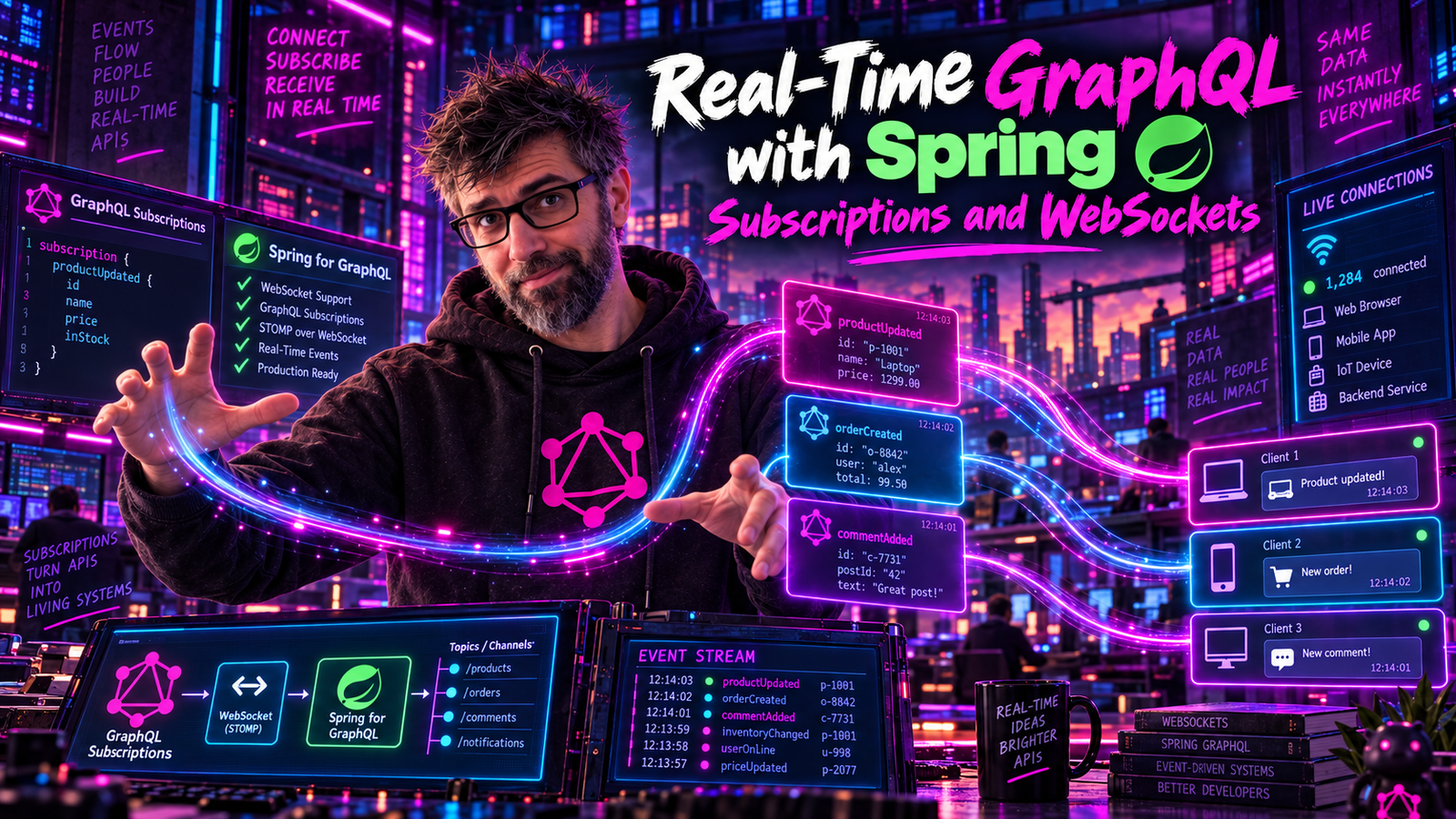
Push live updates to clients with GraphQL subscriptions. Build a real-time notification system using Spring GraphQL and WebSocket.
What Are GraphQL Subscriptions?
While queries fetch data once and mutations change data, subscriptions maintain a persistent connection for real-time updates:
subscription BookAdded {
  bookAdded {
    id
    title
    author { name }
  }
}
When a new book is added, all subscribed clients receive an update automatically. No polling required.
Use Cases
- Live notifications
- Chat applications
- Real-time dashboards
- Collaborative editing
- Live sports scores
- Stock tickers
Setting Up WebSocket Support
Dependencies
Add WebSocket support to your project:
<dependencies>
    <dependency>
        <groupId>org.springframework.boot</groupId>
        <artifactId>spring-boot-starter-graphql</artifactId>
    </dependency>
    <dependency>
        <groupId>org.springframework.boot</groupId>
        <artifactId>spring-boot-starter-websocket</artifactId>
    </dependency>
</dependencies>
Configuration
Enable WebSocket endpoint in application.yml:
spring:
  graphql:
    websocket:
      path: /graphql
      connection-init-timeout: 60s
    graphiql:
      enabled: true
WebSocket Configuration
You don't need a STOMP WebSocketConfig for GraphQL subscriptions. Spring GraphQL ships its own WebSocket handler that speaks the graphql-transport-ws subprotocol. The spring.graphql.websocket.path property above is all you need to enable the endpoint. (@EnableWebSocketMessageBroker, StompEndpointRegistry, and withSockJS() are part of Spring's STOMP messaging stack and are unrelated to GraphQL subscriptions.)
For per-connection auth and message inspection, register a WebSocketGraphQlInterceptor bean instead:
@Bean
public WebSocketGraphQlInterceptor authInterceptor() {
    return new WebSocketGraphQlInterceptor() {
        @Override
        public Mono<Object> handleConnectionInitialization(
                WebSocketSessionInfo info, Map<String, Object> connectionInitPayload) {
            String token = (String) connectionInitPayload.get("authToken");
            // ...validate token, populate session attributes...
            return Mono.just(Map.of());
        }
    };
}
Defining Subscriptions in Schema
type Query {
    books: [Book!]!
}

type Mutation {
    createBook(input: CreateBookInput!): Book!
}

type Subscription {
    bookAdded: Book!
    bookUpdated(id: ID): Book!
    notifications: Notification!
}

type Book {
    id: ID!
    title: String!
    author: Author!
}

type Notification {
    id: ID!
    type: NotificationType!
    message: String!
    createdAt: String!
}

enum NotificationType {
    BOOK_ADDED
    BOOK_UPDATED
    COMMENT_ADDED
    MENTION
}

input CreateBookInput {
    title: String!
    authorId: ID!
}
Implementing Subscriptions
Using Reactor's Flux
Spring GraphQL uses Project Reactor. Subscriptions return Flux<T>:
@Controller
public class BookSubscriptionController {

    private final Sinks.Many<Book> bookSink;

    public BookSubscriptionController() {
        // Create a multicast sink that broadcasts each event to current subscribers;
        // late subscribers do not receive past events
        // autoCancel=false: keep the sink alive when the last subscriber leaves
        this.bookSink = Sinks.many().multicast()
            .onBackpressureBuffer(Queues.SMALL_BUFFER_SIZE, false);
    }

    @SubscriptionMapping
    public Flux<Book> bookAdded() {
        return bookSink.asFlux();
    }

    // Called by other parts of the app to publish events
    public void publishBookAdded(Book book) {
        // Don't discard the result: a failed emission is silent otherwise.
        bookSink.emitNext(book, Sinks.EmitFailureHandler.FAIL_FAST);
    }
}
autoCancel defaults to true. The no-argument
onBackpressureBuffer() terminates the sink as soon as its last subscriber goes
away. On a server-side sink that outlives individual clients, this is fatal and
silent: the first moment you have zero connected subscribers, the sink completes,
and every subsequent emission fails forever. The symptom is a subscription feed
that works perfectly in testing and dies the first quiet night in production. Pass
autoCancel = false, as above.
tryEmitNext returns a result nobody reads. It hands back an
EmitResult describing what happened, and the common idiom of ignoring it turns
every failed emission into a dropped event with no trace. Use
emitNext(value, FAIL_FAST), which converts a failure into an exception, or
inspect the EmitResult and log it.
Publishing Events from Mutations
@Controller
public class BookMutationController {

    private final BookService bookService;
    private final BookSubscriptionController subscriptionController;

    public BookMutationController(BookService bookService,
                                   BookSubscriptionController subscriptionController) {
        this.bookService = bookService;
        this.subscriptionController = subscriptionController;
    }

    @MutationMapping
    public Book createBook(@Argument CreateBookInput input) {
        Book book = bookService.createBook(input);

        // Publish to subscribers
        subscriptionController.publishBookAdded(book);

        return book;
    }
}
Filtered Subscriptions
Allow clients to subscribe to specific events:
@Controller
public class NotificationController {

    private final Sinks.Many<Notification> notificationSink;

    public NotificationController() {
        this.notificationSink = Sinks.many().multicast()
            .onBackpressureBuffer(Queues.SMALL_BUFFER_SIZE, false);
    }

    private final Sinks.Many<Book> bookUpdateSink = Sinks.many().multicast()
        .onBackpressureBuffer(Queues.SMALL_BUFFER_SIZE, false);

    // The subscribed user comes from the authenticated principal, never from
    // an argument. See the warning below.
    @SubscriptionMapping
    public Flux<Notification> notifications(Principal principal) {
        String userId = principal.getName();
        return notificationSink.asFlux()
            .filter(notification -> notification.targetUserId().equals(userId));
    }

    @SubscriptionMapping
    public Flux<Book> bookUpdated(@Argument String id) {
        return bookUpdateSink.asFlux()
            .filter(book -> id == null || book.id().equals(id));
    }

    public void publishNotification(Notification notification) {
        notificationSink.emitNext(notification, Sinks.EmitFailureHandler.FAIL_FAST);
    }
}
A schema field of notifications(userId: ID!) reads naturally and is an
authorization hole. Whatever id the client passes is the stream it gets, so any
connected client can subscribe to any user's notifications by supplying someone
else's id. Nothing in GraphQL checks that the argument describes the caller.
Take the identity from the authenticated principal instead, as above, and drop the argument from the schema entirely:
type Subscription {
    # No userId argument: you get your own notifications.
    notifications: Notification!
}
The rule generalizes past subscriptions. Any argument naming who the request is for wants scrutiny; if the server can derive it from the session, the server should, and the field should not accept it.
Event-Driven Architecture
For production systems, use Spring's event system or a message broker:
Using Spring Events
// Event class
public record BookCreatedEvent(Book book, Instant timestamp) {}

// Publisher
@Service
public class BookService {

    private final ApplicationEventPublisher eventPublisher;

    public Book createBook(CreateBookInput input) {
        Book book = // ... create book

        eventPublisher.publishEvent(new BookCreatedEvent(book, Instant.now()));

        return book;
    }
}

// Subscription controller
@Controller
public class BookSubscriptionController {

    private final Sinks.Many<Book> bookSink = Sinks.many().multicast()
        .onBackpressureBuffer(Queues.SMALL_BUFFER_SIZE, false);

    @EventListener
    public void handleBookCreated(BookCreatedEvent event) {
        bookSink.emitNext(event.book(), Sinks.EmitFailureHandler.FAIL_FAST);
    }

    @SubscriptionMapping
    public Flux<Book> bookAdded() {
        return bookSink.asFlux();
    }
}
Using Redis Pub/Sub (Scalable)
For multiple server instances:
@Configuration
public class RedisConfig {

    @Bean
    public ReactiveRedisTemplate<String, Book> reactiveRedisTemplate(
            ReactiveRedisConnectionFactory factory) {
        RedisSerializationContext<String, Book> context = RedisSerializationContext
            .<String, Book>newSerializationContext(new StringRedisSerializer())
            .value(new Jackson2JsonRedisSerializer<>(Book.class))
            .build();
        return new ReactiveRedisTemplate<>(factory, context);
    }
}

@Controller
public class BookSubscriptionController {

    private final ReactiveRedisTemplate<String, Book> redisTemplate;

    @SubscriptionMapping
    public Flux<Book> bookAdded() {
        return redisTemplate.listenToChannel("books:created")
            .map(message -> message.getMessage());
    }
}

@Service
public class BookService {

    private final ReactiveRedisTemplate<String, Book> redisTemplate;

    public Book createBook(CreateBookInput input) {
        Book book = // ... create book

        redisTemplate.convertAndSend("books:created", book).subscribe();

        return book;
    }
}
Client Implementation
JavaScript with graphql-ws
import { createClient } from 'graphql-ws';

const client = createClient({
  url: 'ws://localhost:8080/graphql',
});

// Subscribe to new books
const unsubscribe = client.subscribe(
  {
    query: `subscription BookAdded {
      bookAdded {
        id
        title
        author { name }
      }
    }`,
  },
  {
    next: (data) => {
      console.log('New book:', data.data.bookAdded);
      // Update UI
      addBookToList(data.data.bookAdded);
    },
    error: (err) => {
      console.error('Subscription error:', err);
    },
    complete: () => {
      console.log('Subscription completed');
    },
  }
);

// Later: unsubscribe
unsubscribe();
React with Apollo Client
import { useSubscription, gql } from '@apollo/client';

const BOOK_ADDED = gql`
  subscription BookAdded {
    bookAdded {
      id
      title
      author { name }
    }
  }
`;

function BookList() {
  const [books, setBooks] = useState([]);

  const { data, loading, error } = useSubscription(BOOK_ADDED, {
    onData: ({ data }) => {
      setBooks(prev => [...prev, data.data.bookAdded]);
    }
  });

  if (loading) return <p>Connecting...</p>;
  if (error) return <p>Error: {error.message}</p>;

  return (
    <ul>
      {books.map(book => (
        <li key={book.id}>{book.title} by {book.author.name}</li>
      ))}
    </ul>
  );
}
Connection Lifecycle
Understanding the WebSocket connection lifecycle:
A graphql-transport-ws session ends by closing the WebSocket, not through a protocol message (connection_terminate belongs to the legacy subscriptions-transport-ws protocol).
Handling Connection Authentication
Authenticate WebSocket connections:
@Component
public class SubscriptionInterceptor implements WebSocketGraphQlInterceptor {

    private final AuthService authService;

    public SubscriptionInterceptor(AuthService authService) {
        this.authService = authService;
    }

    @Override
    public Mono<Object> handleConnectionInitialization(
            WebSocketSessionInfo info, Map<String, Object> payload) {

        String token = (String) payload.get("authToken");

        if (token == null) {
            return Mono.error(new UnauthorizedException("Auth token required"));
        }

        return authService.validateToken(token)
            // The cast matters: Mono<Map<String, User>> is not a Mono<Object>,
            // so without it this does not compile.
            .<Object>map(user -> Map.of("user", user))
            .switchIfEmpty(Mono.error(new UnauthorizedException("Invalid token")));
    }
}
Client sends token during connection:
const client = createClient({
  url: 'ws://localhost:8080/graphql',
  connectionParams: {
    authToken: 'your-jwt-token'
  },
});
Testing Subscriptions
@SpringBootTest
@AutoConfigureWebTestClient
class BookSubscriptionTest {

    @Autowired
    private WebTestClient webTestClient;

    @Autowired
    private BookSubscriptionController subscriptionController;

    @Test
    void shouldReceiveBookAddedEvents() {
        // Create a test client for WebSocket
        Flux<Book> subscription = subscriptionController.bookAdded();

        StepVerifier.create(subscription.take(2))
            .then(() -> {
                // Simulate adding books
                subscriptionController.publishBookAdded(
                    new Book("1", "Book 1", "author-1", null, null));
                subscriptionController.publishBookAdded(
                    new Book("2", "Book 2", "author-1", null, null));
            })
            .expectNextMatches(book -> book.title().equals("Book 1"))
            .expectNextMatches(book -> book.title().equals("Book 2"))
            .verifyComplete();
    }
}
Production Considerations
1. Connection Limits
Limit connections per user:
@Component
public class ConnectionLimitInterceptor implements WebSocketGraphQlInterceptor {

    private final Map<String, AtomicInteger> connectionCounts = new ConcurrentHashMap<>();
    private final Map<String, String> sessionOwners = new ConcurrentHashMap<>();
    private static final int MAX_CONNECTIONS = 5;

    @Override
    public Mono<Object> handleConnectionInitialization(
            WebSocketSessionInfo info, Map<String, Object> payload) {

        String userId = extractUserId(payload);
        AtomicInteger count = connectionCounts.computeIfAbsent(
            userId, k -> new AtomicInteger(0));

        if (count.incrementAndGet() > MAX_CONNECTIONS) {
            count.decrementAndGet();
            return Mono.error(new TooManyConnectionsException());
        }

        sessionOwners.put(info.getId(), userId);
        return Mono.just(payload);
    }

    // Without this, the counter only ever goes up.
    @Override
    public void handleConnectionClosed(
            WebSocketSessionInfo info, int statusCode, Map<String, Object> payload) {

        String userId = sessionOwners.remove(info.getId());
        if (userId == null) {
            return;
        }
        connectionCounts.computeIfPresent(userId, (key, count) ->
            count.decrementAndGet() <= 0 ? null : count);
    }
}
The release half is the part that gets forgotten, and forgetting it is worse than having no limit at all. A counter that only increments locks every user out permanently after their fifth reconnect, which on a flaky mobile network is an afternoon. Removing the map entry when the count reaches zero keeps the map from growing with every user who has ever connected.
2. Heartbeat/Keep-Alive
Configure ping/pong intervals. The keep-alive property requires Spring Boot 3.3+ / Spring for GraphQL 1.3+:
spring:
  graphql:
    websocket:
      connection-init-timeout: 60s
      # Keep-alive ping every 30 seconds
      keep-alive: 30s
server:
  servlet:
    session:
      timeout: 30m
3. Graceful Shutdown
Handle server restarts:
@PreDestroy
public void shutdown() {
    bookSink.tryEmitComplete();
}
Complete Example: Live Notifications
Here's a complete notification system:
type Subscription {
    # No userId argument: you get your own notifications (see the warning above).
    notifications: Notification!
}

type Notification {
    id: ID!
    type: NotificationType!
    title: String!
    message: String!
    link: String
    read: Boolean!
    createdAt: String!
}

enum NotificationType {
    NEW_BOOK
    NEW_COMMENT
    MENTION
    SYSTEM
}
@Controller
public class NotificationSubscriptionController {

    private final Sinks.Many<Notification> sink = Sinks.many().multicast()
        .onBackpressureBuffer(Queues.SMALL_BUFFER_SIZE, false);

    @SubscriptionMapping
    public Flux<Notification> notifications(Principal principal) {
        String userId = principal.getName();
        return sink.asFlux()
            .filter(n -> n.targetUserId().equals(userId))
            .doOnSubscribe(s -> log.info("User {} subscribed to notifications", userId))
            .doOnCancel(() -> log.info("User {} unsubscribed", userId));
    }

    @EventListener
    public void handleNewBook(BookCreatedEvent event) {
        // Notify followers of the author
        event.author().followers().forEach(followerId -> {
            Notification notification = new Notification(
                UUID.randomUUID().toString(),
                NotificationType.NEW_BOOK,
                followerId,
                "New Book Available",
                event.author().name() + " published: " + event.book().title(),
                "/books/" + event.book().id(),
                false,
                Instant.now()
            );
            sink.emitNext(notification, Sinks.EmitFailureHandler.FAIL_FAST);
        });
    }
}
Summary
| Concept | Implementation |
|---|---|
| Define subscription | type Subscription { ... } in schema |
| Return type | Flux<T> from controller method |
| Annotation | @SubscriptionMapping |
| Event publishing | Sinks.Many<T> or Spring Events |
| Scaling | Redis Pub/Sub or Kafka |
| Authentication | WebSocketGraphQlInterceptor |
Subscriptions bring your GraphQL API to life with real-time capabilities. Combined with Spring's reactive support, you can build scalable, event-driven systems.
Next: DataLoader and Batch Loading - solving the N+1 problem in Spring GraphQL.
Consider this post a subscription: you connected at the first paragraph, the events have stopped, and closing the tab is how you unsubscribe.